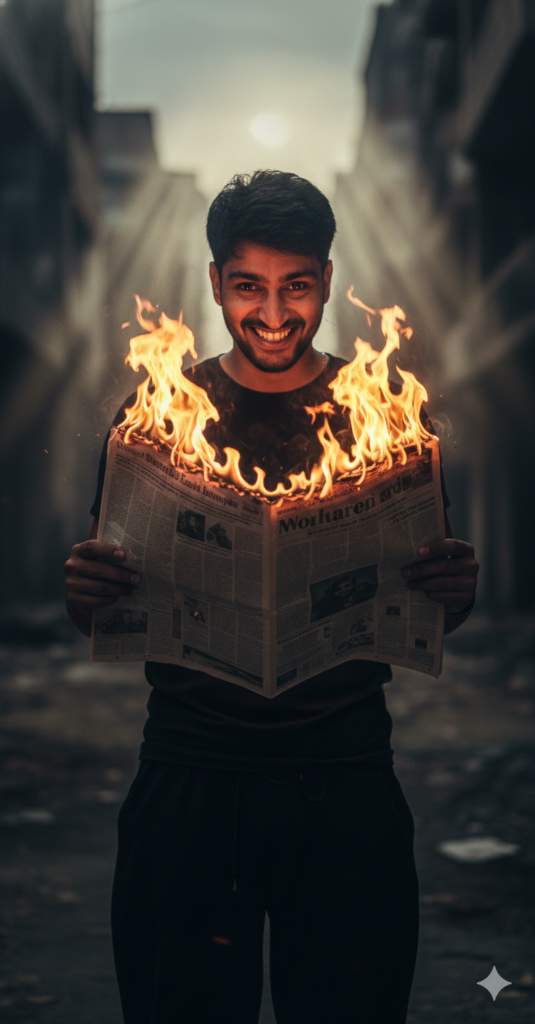
Ultra-realistic cinematic portrait of a young Indian man standing full-body, centered in frame, holding an open newspaper directly in front of his chest with both hands; the newspaper is actively engulfed in bright, realistic orange-yellow flames rising upward, flames partially obscuring the center of his face while illuminating it. Outfit Black tshirt and loose pant. Facial expression: intense, unsettling wide grin with teeth visible, eyes openedwide and alert, pupils looking straight forward directly into the camera. Use my same face 100%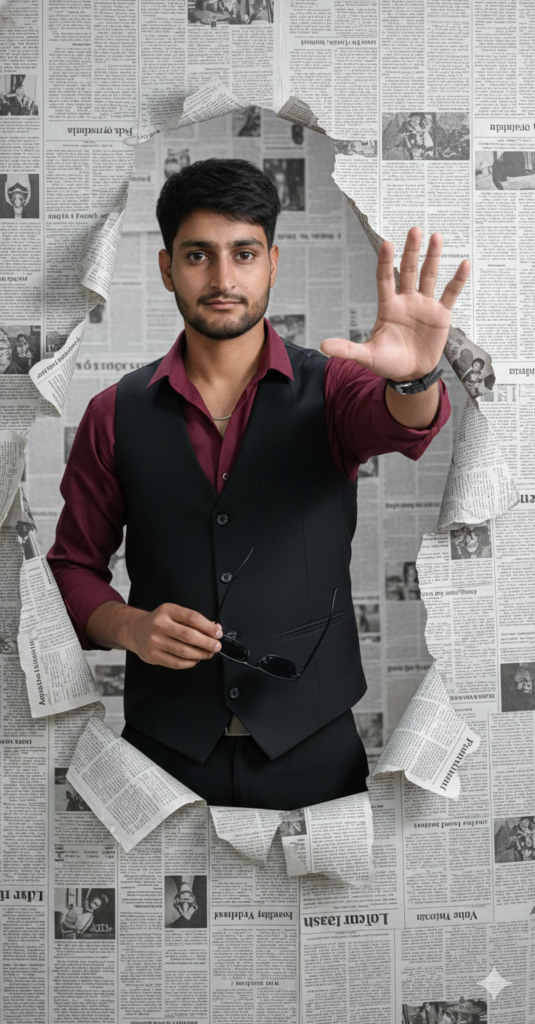
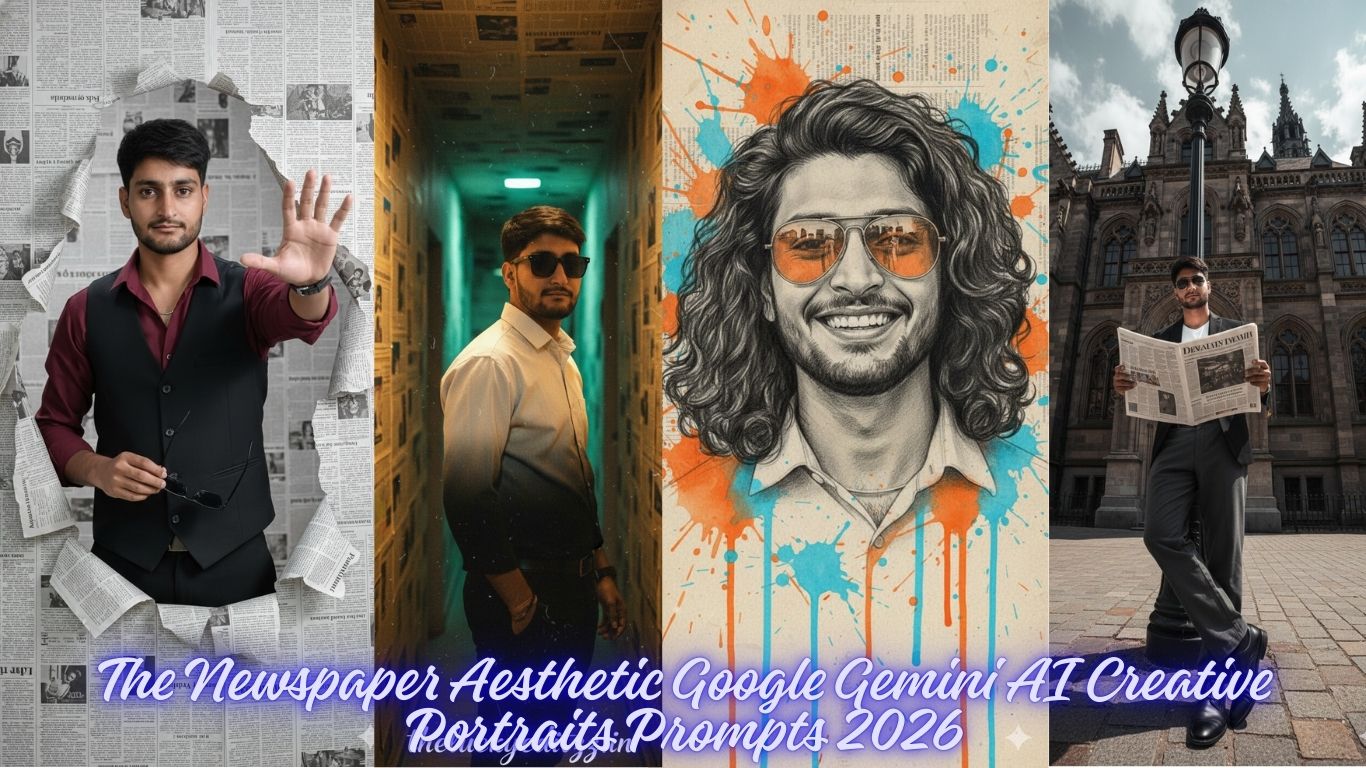
A stylish young man emerging confidently through a torn newspaper wall background, , maroon shirt slightly unbuttoned, black waistcoat, and holding matte sunglasses in one hand while extending the other hand forward dramatically. The background is made of black-and-white newspaper prints with "" headlines, creating a creative 3D pop-out effect.
Studio lighting, cinematic portrait, ultra-detailed 8K, hyper-realistic, smooth skin tone, perfect hair styling, Use my same face 100%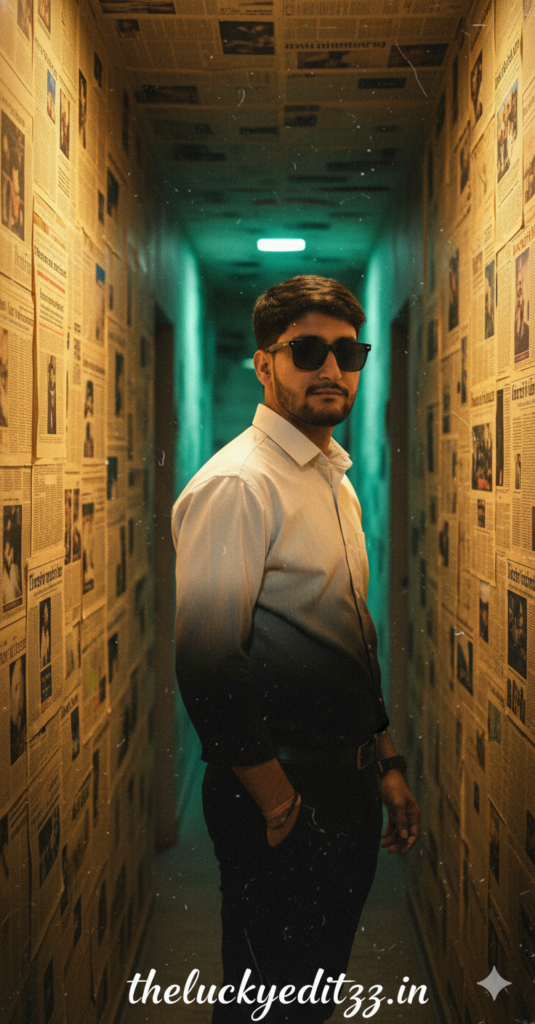
A moody, cinematic portrait of a young man standing in a narrow hallway covered with old newspaper clippings on the walls. He wears a back and white gradiant outfit or black pants and gazes back with a confident yet mysterious expression. The warm golden lighting contrasts with a soft teal glow in the background, and wearing sunglasses creating a nostalgic, film-like atmosphere. The text overlay in stylish handwritten script reads ''theluckyeditzz.in'', evoking the feel of a retro movie poster. Use my same face 100%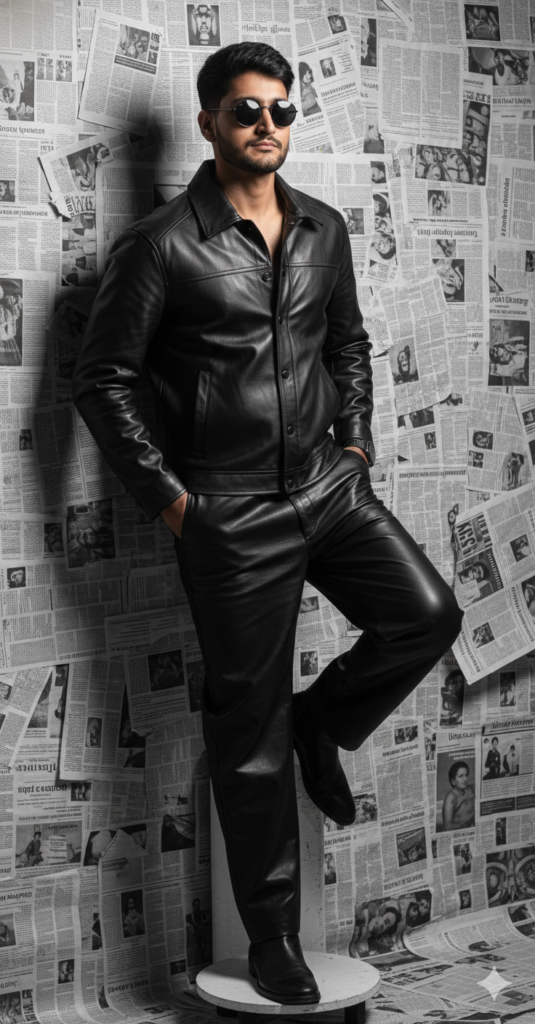
1/3A stylish man in his mid-20s with the exact same face, hair, and facial features as the uploaded reference photo. He wears a head-to-toe black leather outfit, including a fitted collared leather jacket and straight-leg leather loose pants. He stands leaning casually against a wall completely covered in layered black-and-white newspaper clippings, forming a gritty, textured backdrop. He is posed with one foot resting on a small, round white pedestal. He wears dark round sunglasses, Use my same face 100%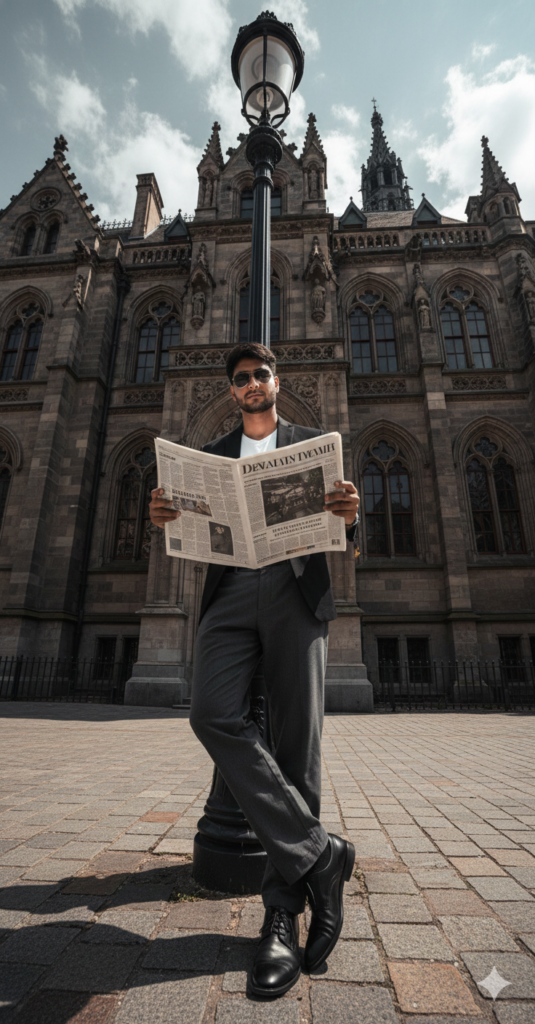
A hyper-realistic editorial street fashion photograph of a male supermodel holding an oversized newspaper in front of him, leaning casually against a black lamp post on a stone-paved sidewalk in front of a grand and majestic neo-gothic European building with details ornate spires and arched windows. Outfit blazer and loose pant formal shues wearing sunglass.Shot from a dramatic extreme low-angle ground-level wide-angle perspective, the camera looks upward emphasizing. Use my same face 100%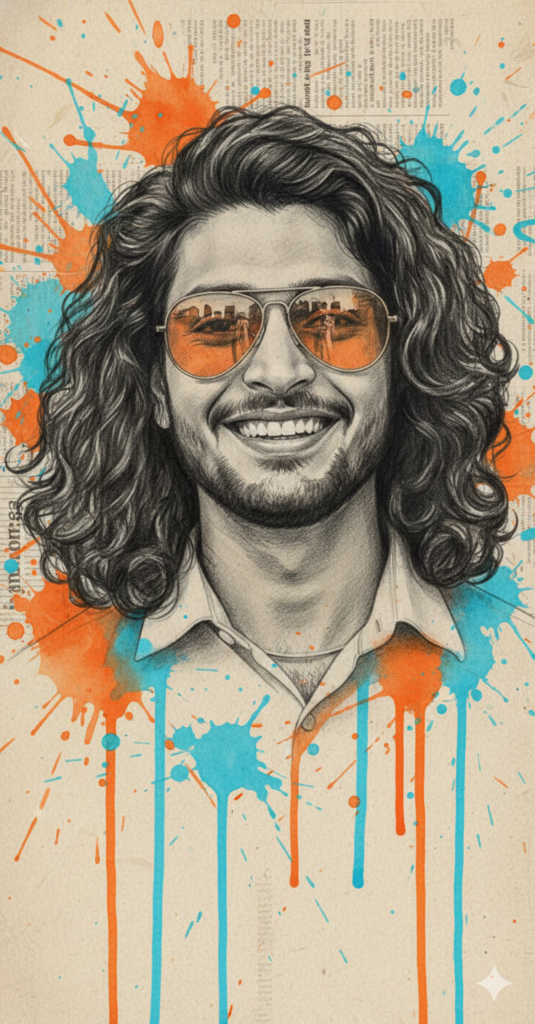
A creative mixed-media portrait of a smiling man with long curly hair wearing orange-tinted sunglasses. The face is rendered in a highly detailed black and white pencil and charcoal sketch style. Surrounding the sketch are dynamic, energetic splashes and drips of vibrant orange and azure blue watercolor paint. The background looks like aged, textured newspaper print with faint columns of text visible. High contrast, artistic, modern urban art style. Use my same face 100%How to Create Amazing Photos with Gemini AI: A Simple Guide
Want to turn your imagination into a stunning photo? Using Google Gemini to generate images is easier than ever. With our professional prompts, you can create high-quality, realistic, and stylish photos in just a few clicks.
Follow this simple guide to get started!
Step 1: Choose Your Favorite Prompt
Browse our website and find a style that you like. Whether you want a cinematic portrait, a cool streetwear look, or a moody urban vibe, we have a prompt for everything.
Step 2: Copy and Customize
Don’t just copy-paste! You can make the photo look exactly like you want by changing a few words.
Change the Outfit: If the prompt says “oversized hoodie,” you can change it to “leather jacket” or “Ferrari racing suit.”
Change the Setting: Swap “neon city streets” for “a cozy library” or “the beach at sunset.”
Add Details: Use words like “ultra-realistic,” “high detail,” or “Instagram style” to make the photo look professional.
Poses: If you want any other pose then add on ”OTHER POSE” keyword in prompt.
Step 3: Use it in Gemini
Copy the prompt from our site.
Go to Gemini.google.com.
Paste the prompt into the chat box and hit enter.
Wait a few seconds, and Gemini will generate unique images for you!
If you want to generate from https://chatgpt.com/, also use these propmts.