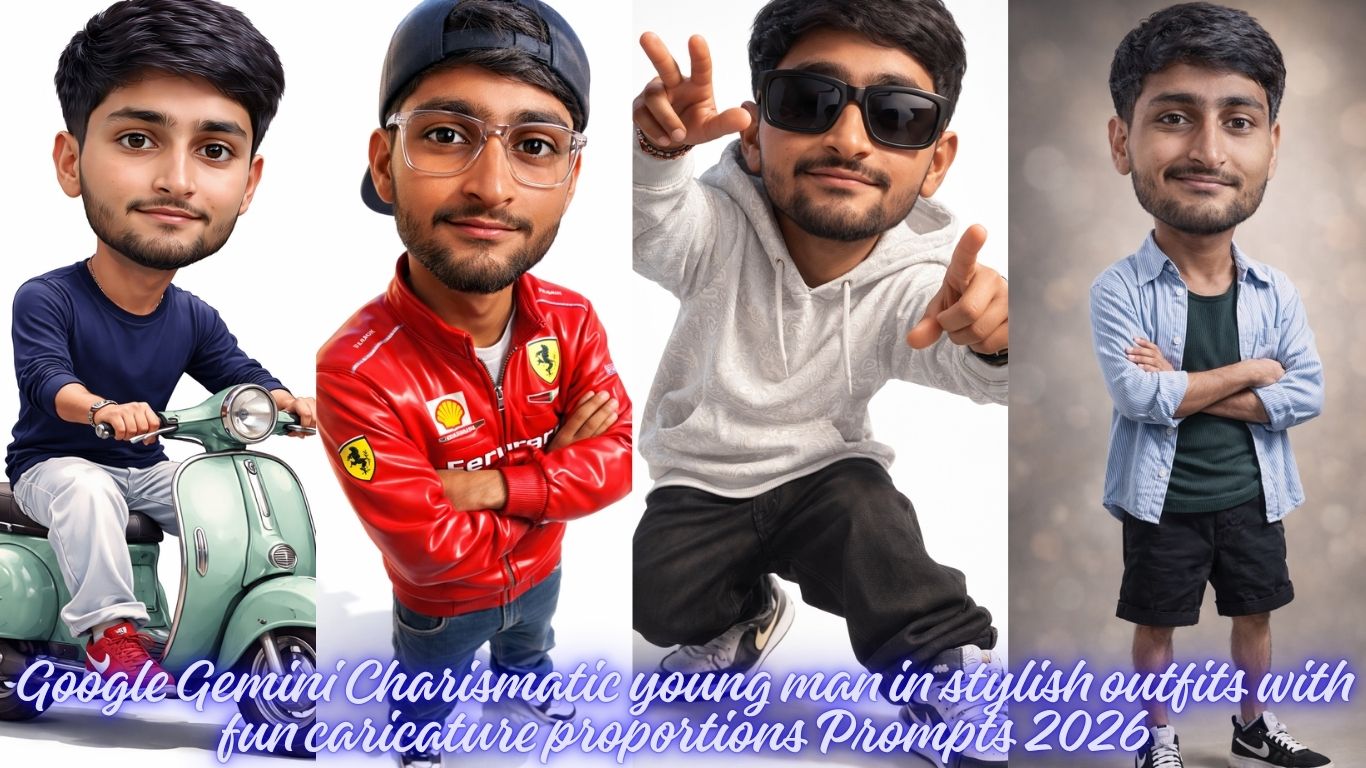
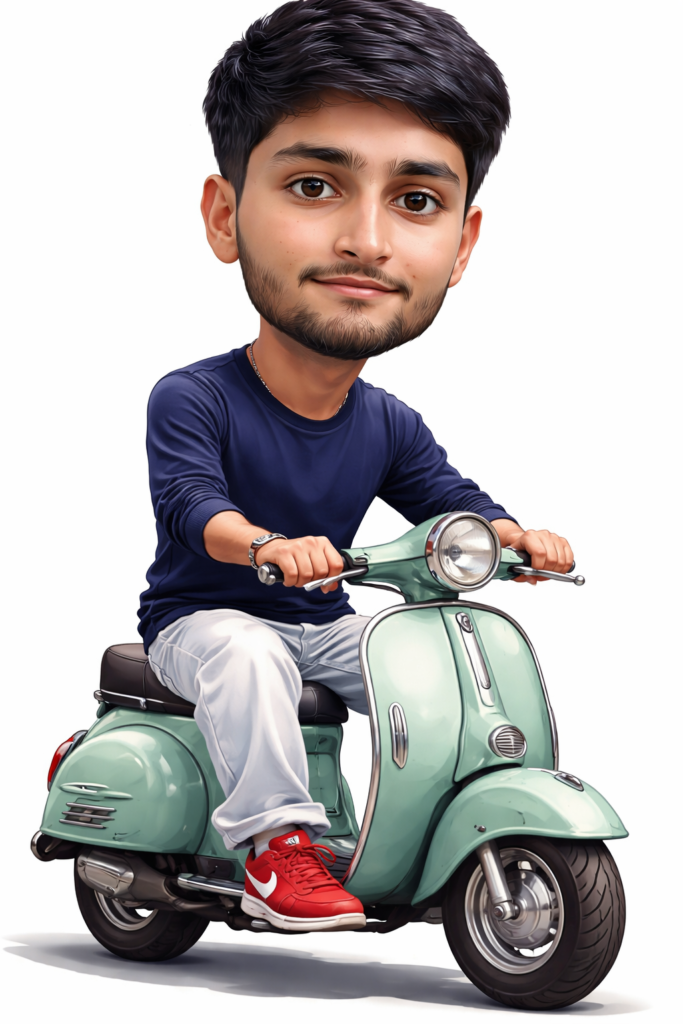
Create a 9.16 ratio portrait A 3D render or illustration in a caricature style of a young Asian man with a disproportionately large head (chibi/big head style) and a smaller body, sitting on a vintage-style scooter (resembling a Vespa). The man has short, neat, dark hair, light-medium skin, and a pleasant, subtle smile, looking directly forward. He is wearing a simple dark blue full-sleeved t-shirt with texture and white beggy jeans. He is wearing red nike lace-up shoes. and use my same face 100%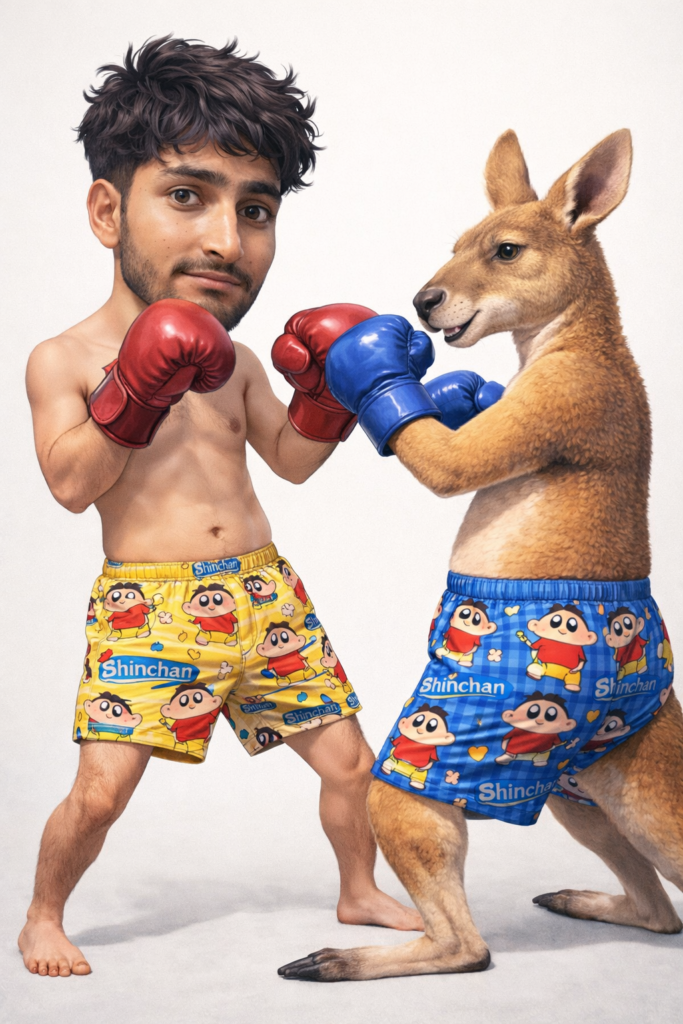
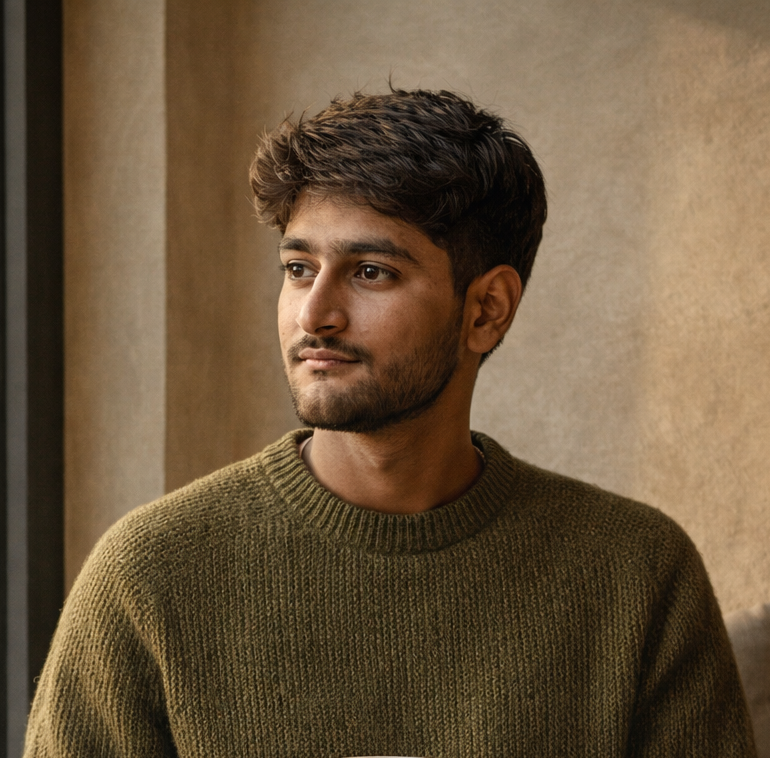
Create a 9.16 ratio portrait An extra cinematic, ultra-detailed, minimalistic, funny, realistic illustration of a man who looks 100% like the reference photo. His hair is loose and messy. Big head, small body proportions. He is shirtless, wearing only bright Shinchan boxer shorts and dark red boxing gloves. He is playfully exchanging punches with a chubby, fully realistic cangaro wearing different colored Shinchan boxer shorts and matching boxing gloves. and use my same face 100%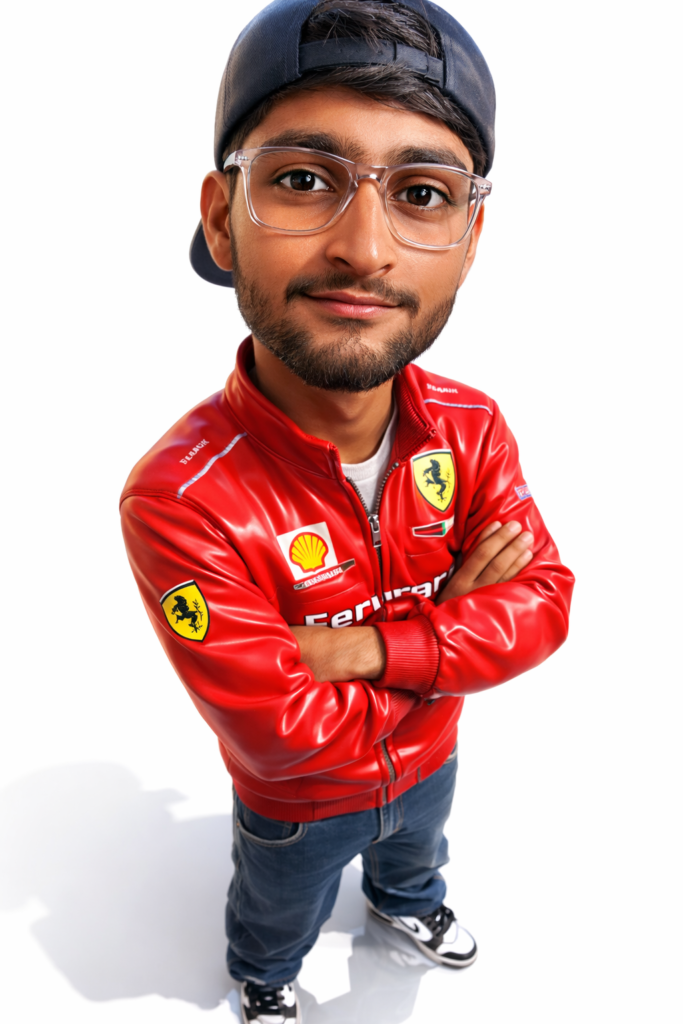
Create a 9.16 ratio portrait create a 3D Caricature character with a realistic style, big head, wearing backward cap, clear glasses, Red Ferrari jacket, dark blue beggy jeans, white and black Jordan Air shoes, stands confidently with arms crossed, white background with a mirror effect so that it reflects own shadow below it, tan, glowing, and clean skin, give a glossy effect to the 3D Caricature character. High-angle shot with a fisheye lens. and use my same face 100%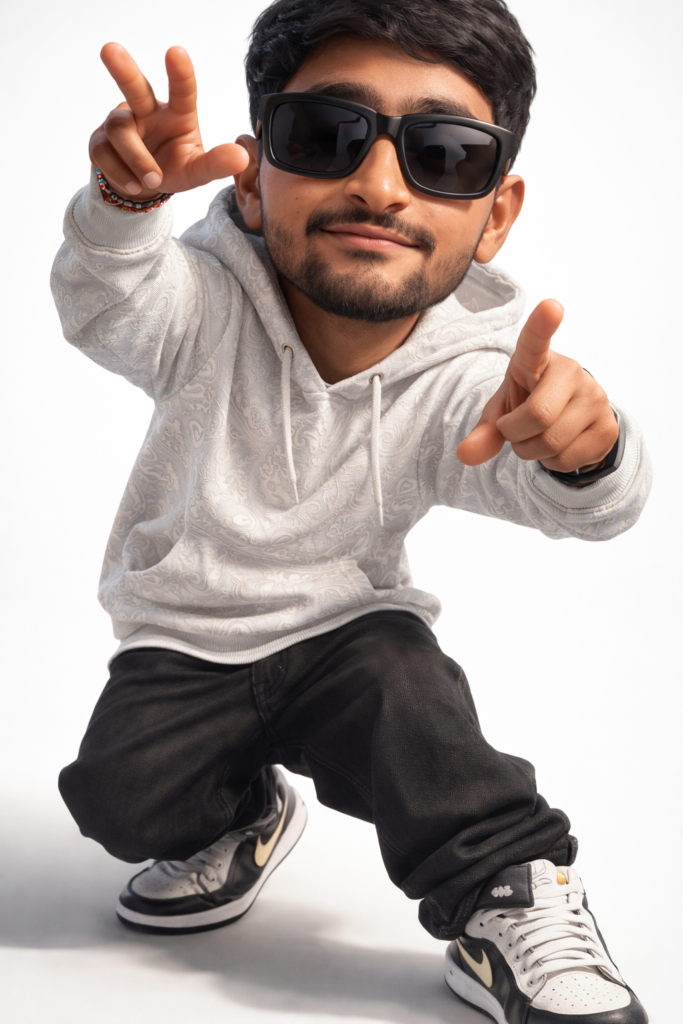
Create a 9.16 ratio portrait create a 3D Caricature character with a realistic style, Create a 3D hip-hop style cartoon man ( image Uploaded) , big head and nike sneakers, white patterned hoodie, black beggy jeans, big black sunglasses, silly pose, white background, cinematic lighting, highly detailed Pixar style rendering and use my same face 100%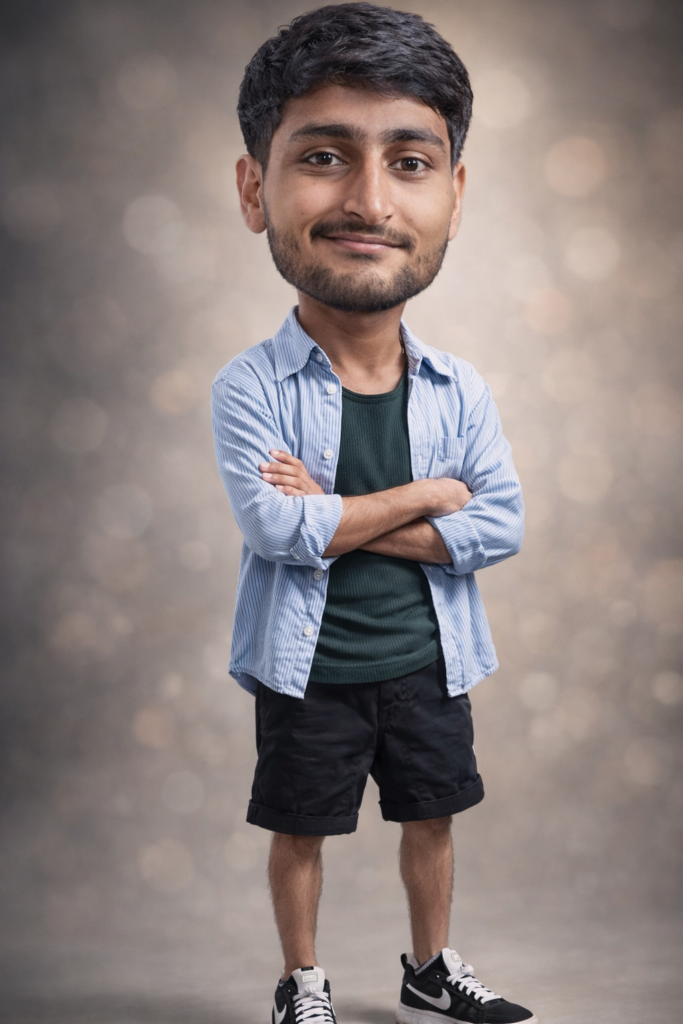
Create a 9.16 ratio portrait A hyper-realistic, full-body 'big head' caricature of a middle-aged man with a smirk expression. He has a disproportionately large head on a small, thin body. He is wearing a blue white striped button-down shirt open over a dark green ribbed tank top, cuffed black shorts, black and white Nike sneakers. He stands with his arms crossed in a studio setting with a soft, blurred bokeh background. The lighting is professional studio portrait style, capturing high-detail skin textures and fabric folds. and use my same face 100%How to Create Amazing Photos with Gemini AI
Want to turn your imagination into a stunning photo? Using Google Gemini to generate images is easier than ever. With our professional prompts, you can create high-quality, realistic, and stylish photos in just a few clicks.
Follow this simple guide to get started!
Step 1: Choose Your Favorite Prompt
Browse our website and find a style that you like. Whether you want a cinematic portrait, a cool streetwear look, or a moody urban vibe, we have a prompt for everything.
Step 2: Copy and Customize
Don’t just copy-paste! You can make the photo look exactly like you want by changing a few words.
Change the Outfit: If the prompt says “oversized hoodie,” you can change it to “leather jacket” or “Ferrari racing suit.”
Change the Setting: Swap “neon city streets” for “a cozy library” or “the beach at sunset.”
Add Details: Use words like “ultra-realistic,” “high detail,” or “Instagram style” to make the photo look professional.
Poses: If you want any other pose then add on ”OTHER POSE” keyword in prompt.
Step 3: Use it in Gemini
Copy the prompt from our site.
Go to Gemini.google.com.
Paste the prompt into the chat box and hit enter.
Wait a few seconds, and Gemini will generate unique images for you!
If you want to generate from https://chatgpt.com/, also use these propmts.