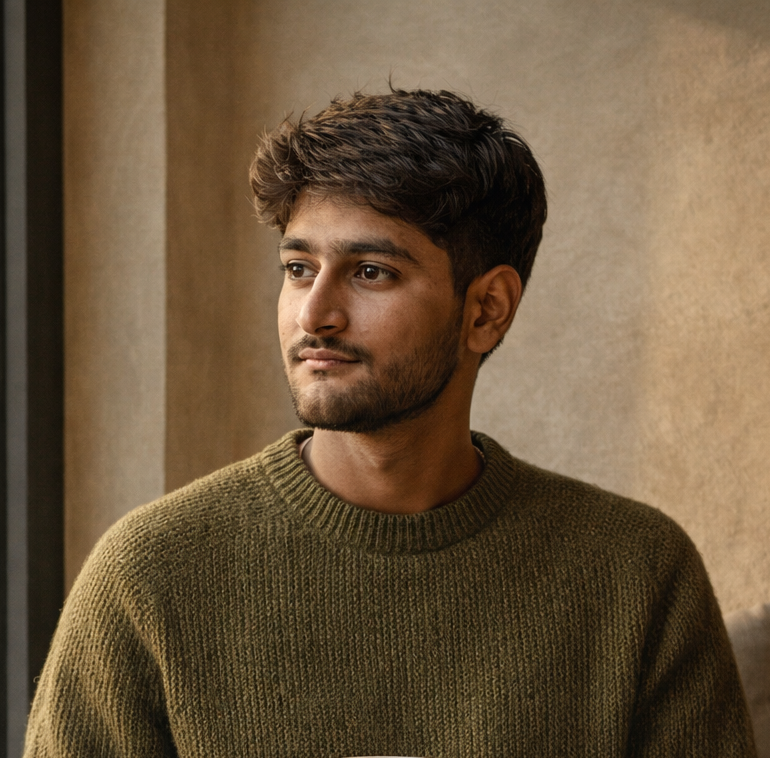
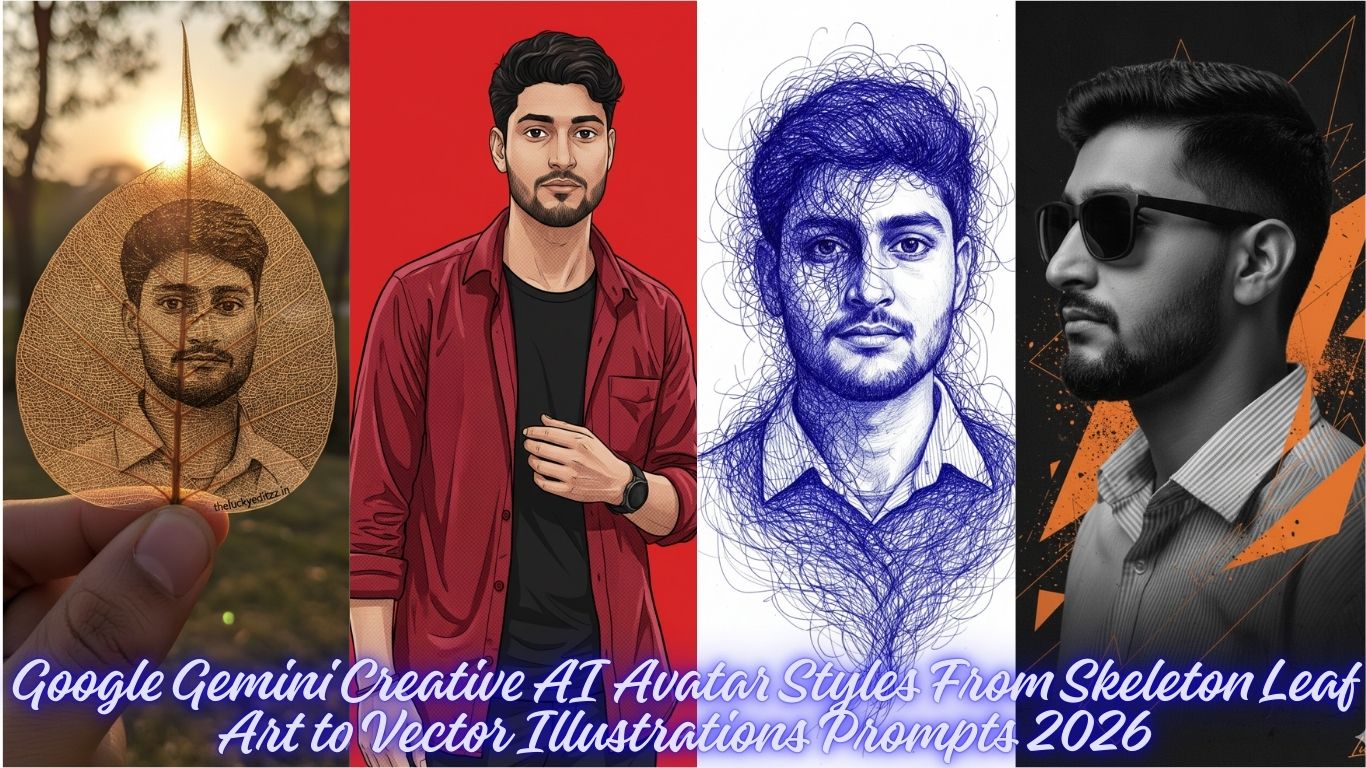
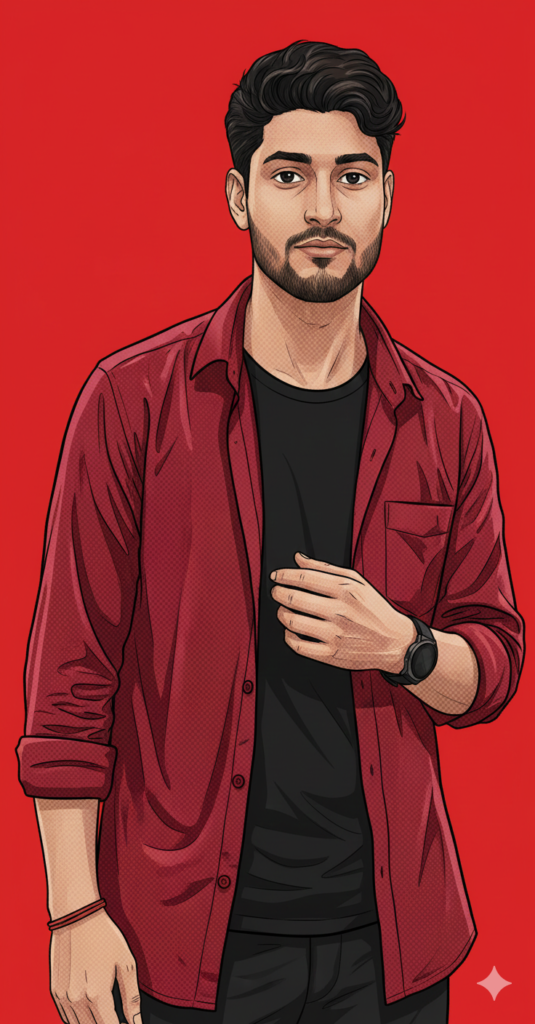
Grand Theft Auto V loading screen art style, high-contrast vector illustration, portrait of a young man with messy wavy dark hair and facial stubble, wearing an open crimson olive green button-down shirt with heavy cross-hatch shading texture over a black t-shirt, hand resting on chest and wearing watch, sharp cel-shaded lighting, bold black outlines, flat solid red and white gradiant background, digital comic aesthetic. Use my picture for reference. Use my same face 100%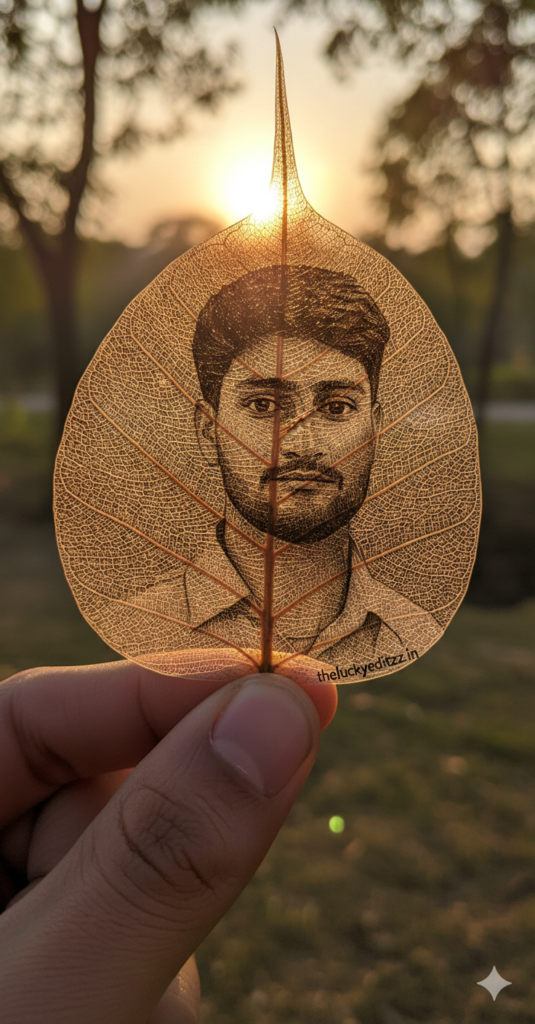
A Hyper realistic macro photograph of an intricate, detailed portrait of a man as in photo full view (from attached photo) with same hair, etched/carved onto a single, dried translucent skeleton leaf (like a Bodhi leaf). Held by a hand. Strong backlight, golden hour, sun shining through the leaf, warm glow, shallow depth of field, natural outdoor environment, high detail, fine art. Signature "theluckyeditzz.in". Use my same face 100%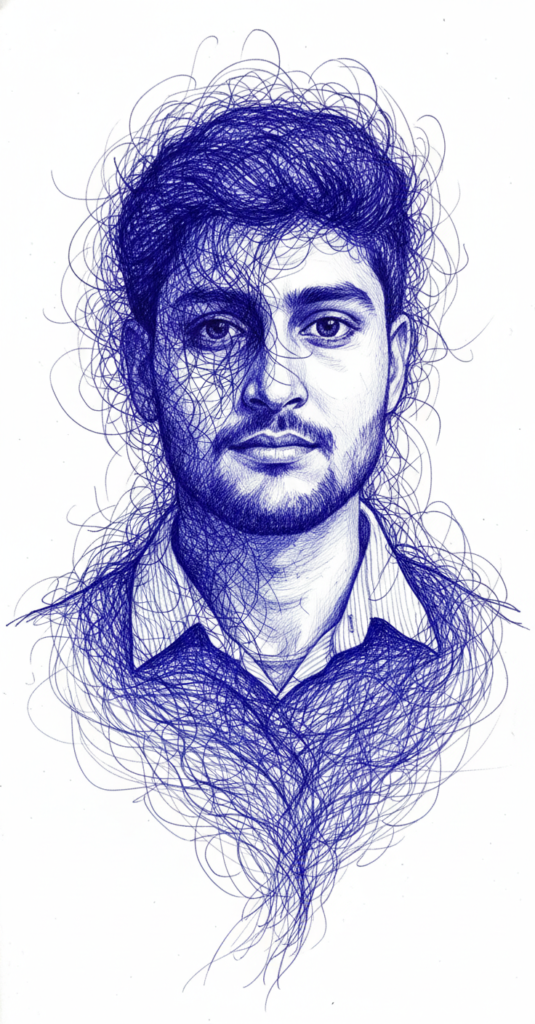
Create a Hyper detailed portrait in the exact style of the reference image: a monochromatic blue ballpoint pen drawing with intricate, swirling, thread-like lines that form the hair and partially obscure the face. The lines should be dense, flowing, and chaotic yet precisely controlled, blending seamlessly into realistic facial features. Use only shades of deep indigo blue on a clean white background, with subtle gradients for depth and volume. Use my same face 100%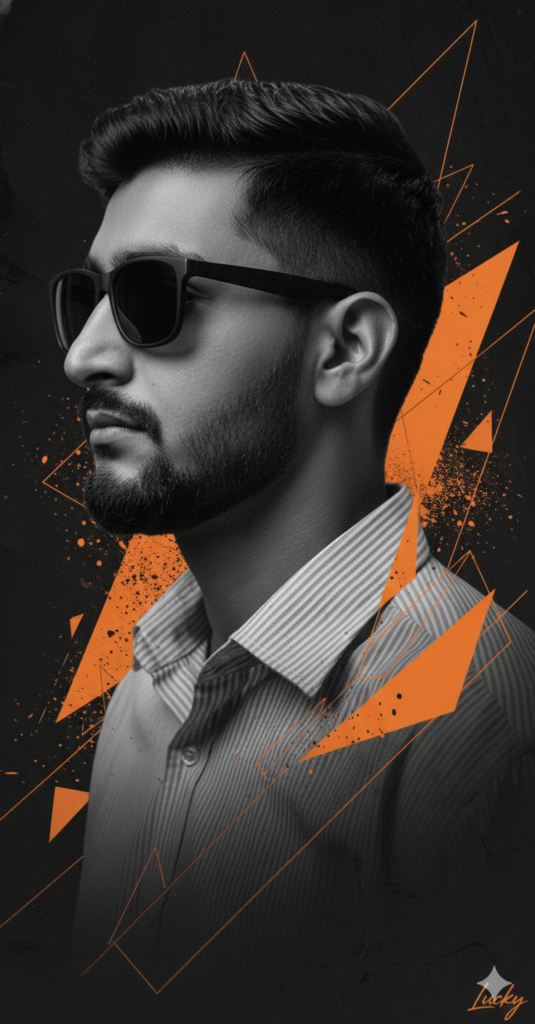
Ultra-detailed cinematic side-profile portrait of a man facing left, wearing matte black sunglasses. Sharp fade haircut with textured top, well-groomed full beard and mustache. Strong masculine facial structure, serious and calm expression. High-contrast black-and-white base with bold burnt orange geometric accents layered behind and across the subject. Abstract triangles, splatter paint textures, grunge brush strokes, and technical blueprint-style, editorial art direction. signature in corner "Lucky". Use my same face 100%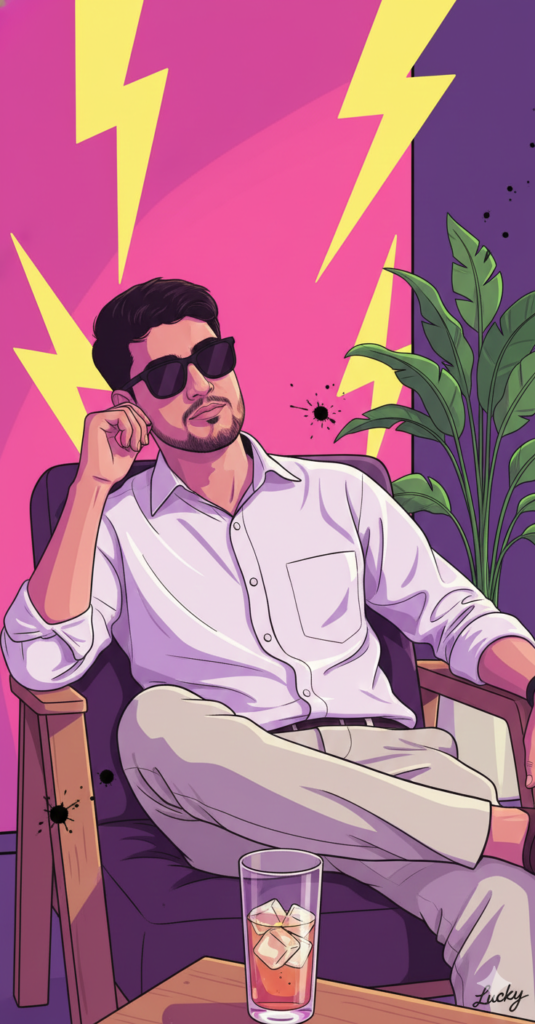
A high-contrast, vibrant pop art illustration of a young man with dark set hair and a goatee, sitting relaxed in a chair. He is wearing a white long-sleeve button-down shirt and white biege jeans and black matte sunglasses slightly down, leaning his head thoughtfully The scene is bathed in neon pink and purple light, accented by electric yellow lightning bolts and splattered ink effects. A large green indoor plant stands to the right, and a wooden table in the foreground holds a glass of iced signature in corner "Lucky". Use my same face 100%How to Create Amazing Photos with Gemini AI: A Simple Guide
Want to turn your imagination into a stunning photo? Using Google Gemini to generate images is easier than ever. With our professional prompts, you can create high-quality, realistic, and stylish photos in just a few clicks.
Follow this simple guide to get started!
Step 1: Choose Your Favorite Prompt
Browse our website and find a style that you like. Whether you want a cinematic portrait, a cool streetwear look, or a moody urban vibe, we have a prompt for everything.
Step 2: Copy and Customize
Don’t just copy-paste! You can make the photo look exactly like you want by changing a few words.
Change the Outfit: If the prompt says “oversized hoodie,” you can change it to “leather jacket” or “Ferrari racing suit.”
Change the Setting: Swap “neon city streets” for “a cozy library” or “the beach at sunset.”
Add Details: Use words like “ultra-realistic,” “high detail,” or “Instagram style” to make the photo look professional.
Poses: If you want any other pose then add on ”OTHER POSE” keyword in prompt.
Step 3: Use it in Gemini
Copy the prompt from our site.
Go to Gemini.google.com.
Paste the prompt into the chat box and hit enter.
Wait a few seconds, and Gemini will generate unique images for you!
If you want to generate from https://chatgpt.com/, also use these propmts.