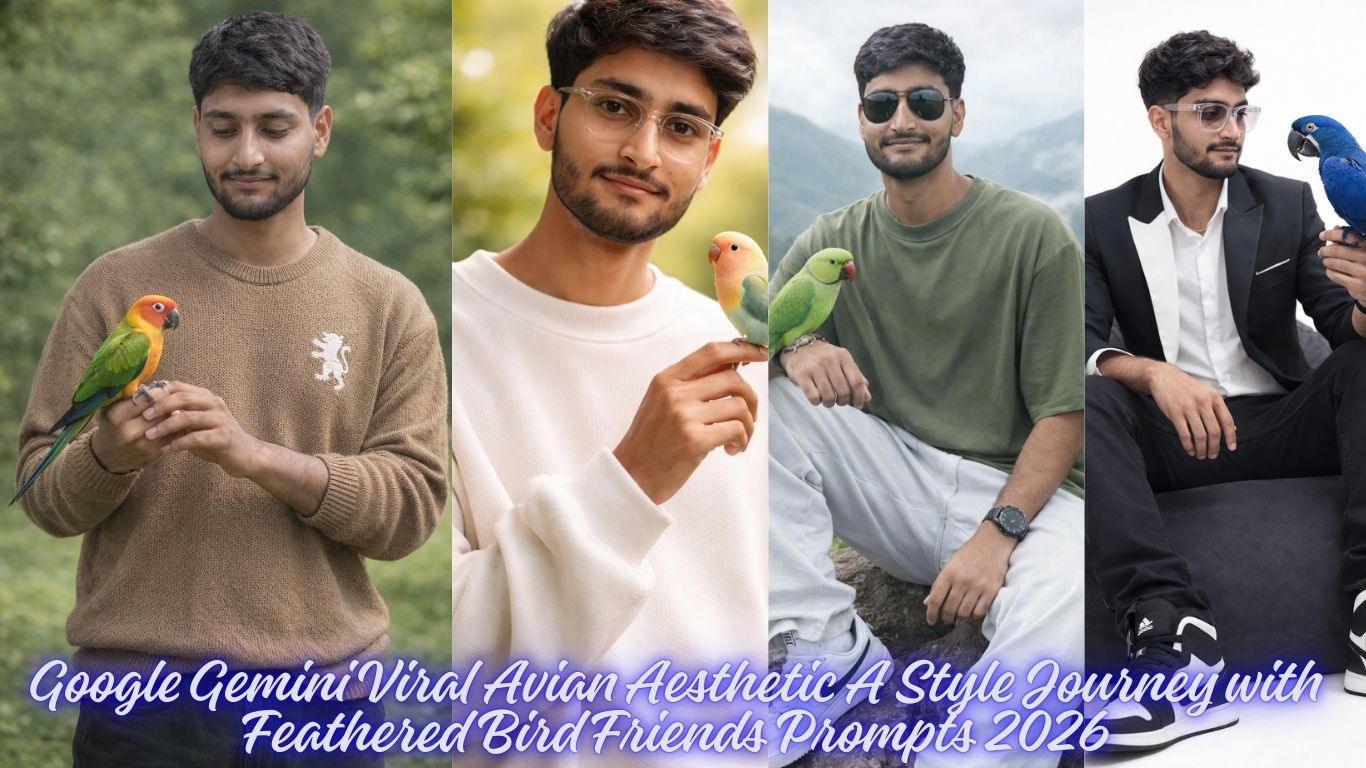
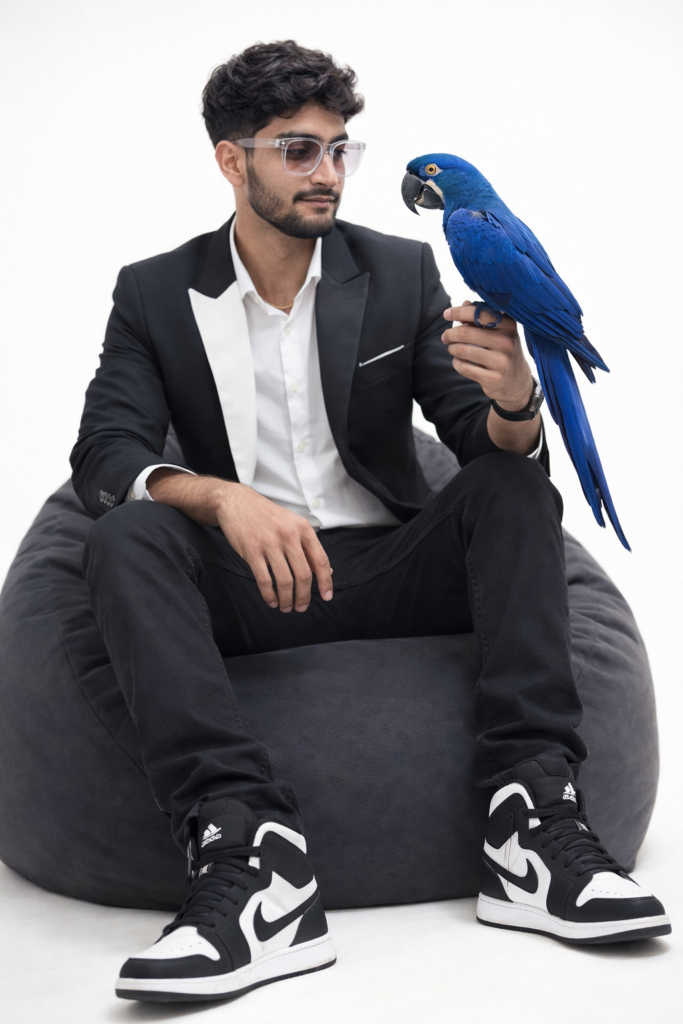
Create A 9.16 ratio portrait, 4k Ultra Realistic Image A 22 year old young boy (same face in reference image) holding a blue parrot, in the style, In A white Studio Background, Wearing slim fit black and white Blazer, Clear transparent Sunglasses, Wavy Brown Hair, With black and white nike air jorden shoes, Seated On light black bean Chair, looking to the parrot In Confident. And for boy use my same face 100%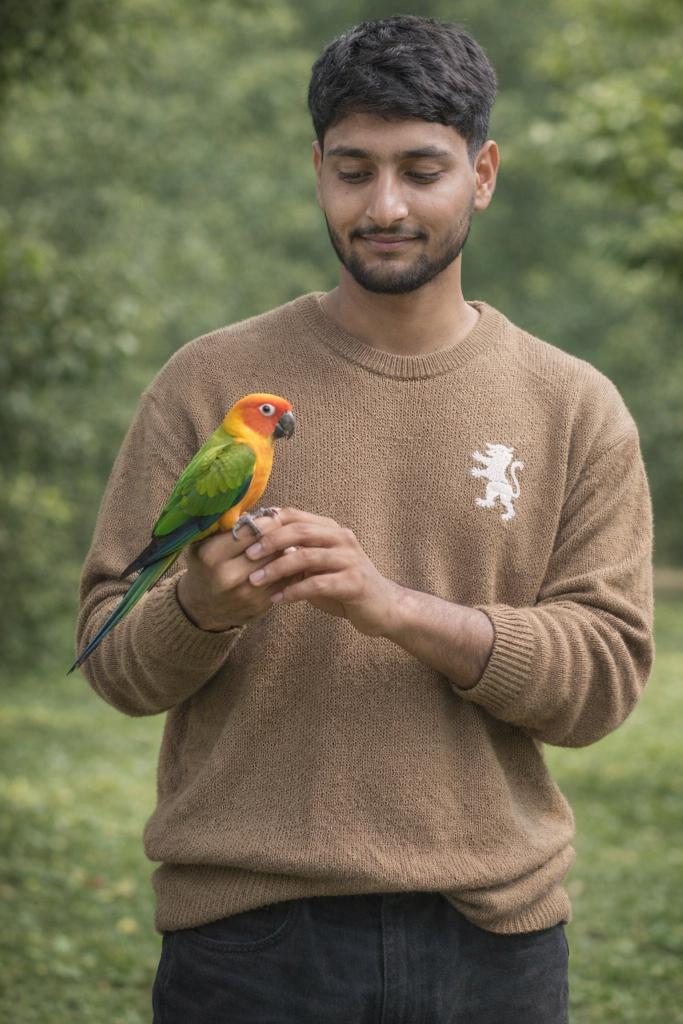
Create A 9.16 ratio portrait, ultra-realistic 8k A young man standing outdoors in a lush green park, gently holding a colorful parrot in his hands and looking at it with a soft smile. wearing light brown knitted sweater with white lion logo and black beggy jeans and wearing sunglass. The parrot has vibrant green, yellow, and red feathers, sitting calmly on his fingers. Natural daylight, soft background blur with green foliage, peaceful and warm mood, And for boy use my same face 100%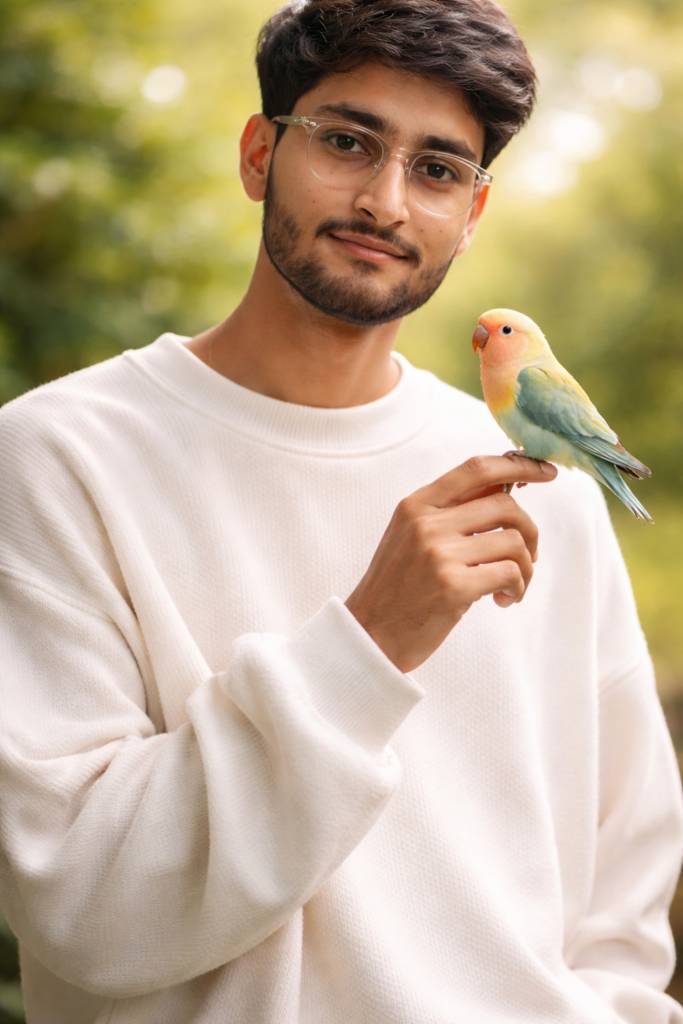
Create A 9.16 ratio portrait, A soft natural light portrait of a young man with well groomed dark hair and light stubble, wearing a oversized white sweater. He is gently holding a small colorful parrot on his finger. The bird has turquoise, yellow, and pink feathers and is calmly looking at him. The man's expression is peaceful and warm, with a slight smile and wearing a clear transparent sunglass, creating a sense of connection between human and bird: Background is an outdoor setting with a smooth blurred green bokeh, giving a shallow depth of field. And for boy use my same face 100%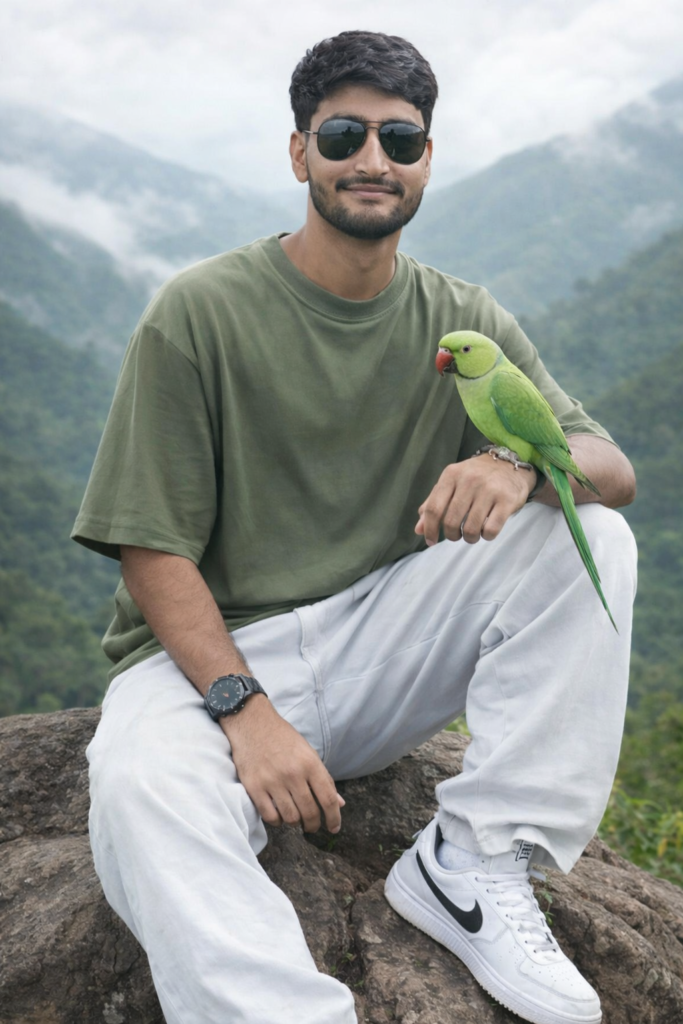
Create A 9.16 ratio portrait, A young man (same as uploaded image) sits on a rocky outcrop, smiling at the viewer. He wears black reflective aviators, a oversized olive green tshirt, white beggy jeans, white nike sneakers, and a wristwatch. A vibrant green parrot perches on his right hand. Behind him, misty green hills and mountains form a serene high-altitude backdrop. Medium shot, slightly off-center composition with soft natural overcast lighting, evoking peace and harmony with nature. And for boy use my same face 100%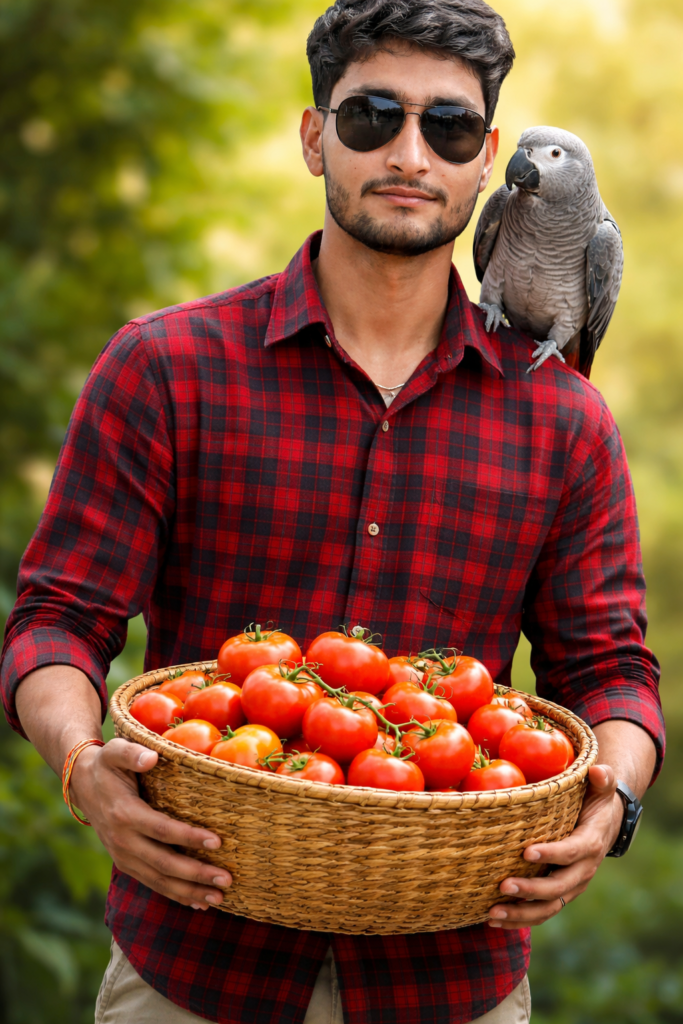
A young man (same as uploaded photo don't change hairstyle and facial expressions) is the central subject of the image. The man is wearing a button-down red and black check shirt and black shiny sunglasses appears to have a relaxed body build. He is holding a large, woven basket filled with what appears to be freshly harvested tomato. A beautiful Gray parrot sits perched on his right shoulder. The man is positioned in the center of the frame and is facing the viewer directly. And for boy use my same face 100%How to Create Amazing Photos with Gemini AI
Want to turn your imagination into a stunning photo? Using Google Gemini to generate images is easier than ever. With our professional prompts, you can create high-quality, realistic, and stylish photos in just a few clicks.
Follow this simple guide to get started!
Step 1: Choose Your Favorite Prompt
Browse our website and find a style that you like. Whether you want a cinematic portrait, a cool streetwear look, or a moody urban vibe, we have a prompt for everything.
Step 2: Copy and Customize
Don’t just copy-paste! You can make the photo look exactly like you want by changing a few words.
Change the Outfit: If the prompt says “oversized hoodie,” you can change it to “leather jacket” or “Ferrari racing suit.”
Change the Setting: Swap “neon city streets” for “a cozy library” or “the beach at sunset.”
Add Details: Use words like “ultra-realistic,” “high detail,” or “Instagram style” to make the photo look professional.
Poses: If you want any other pose then add on ”OTHER POSE” keyword in prompt.
Step 3: Use it in Gemini
Copy the prompt from our site.
Go to Gemini.google.com.
Paste the prompt into the chat box and hit enter.
Wait a few seconds, and Gemini will generate unique images for you!
If you want to generate from https://chatgpt.com/, also use these propmts.